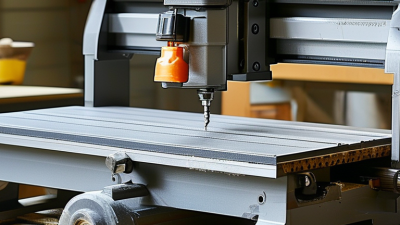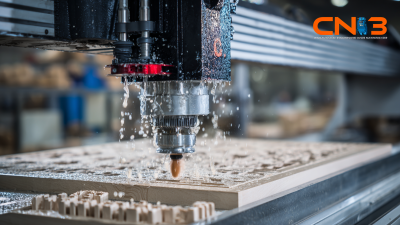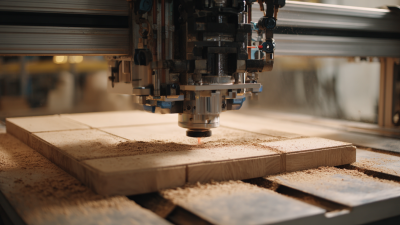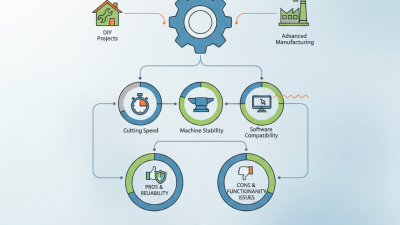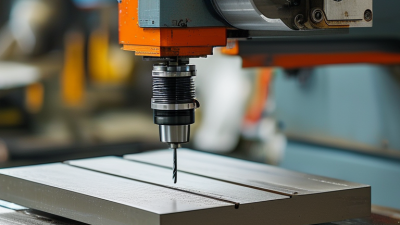
Choosing a desktop cnc machine in 2026 requires more than comparing prices, spindle speeds, and attractive product photos. A compact machine may fit beside a laptop, yet still demand careful leveling, dust control, and regular calibration. The best choice depends on your materials, workspace, skill level, and production goals. A hobbyist cutting plywood needs different capabilities from a designer machining aluminum prototypes.
Real workshop experience often reveals details that specifications hide. A machine can claim impressive accuracy, but loose belts, frame vibration, or poor software settings may affect the final cut. Test pieces matter. A small pocket cut in hardwood can expose chatter, while a slow aluminum pass can reveal weak rigidity. These practical checks make purchasing decisions more reliable than marketing language alone.
This guide examines work area, drive systems, spindle power, software compatibility, noise, maintenance, and customer support. It also considers how quickly a beginner can move from digital design to a clean, usable part. Manufacturer documentation and independent testing should guide serious comparisons, although neither source is perfect. Reviews may overlook long-term wear. Specifications may describe ideal conditions. That uncertainty deserves attention.
Some compromises are unavoidable. Better rigidity usually increases weight and cost, while a larger cutting area may reduce portability. Safety features, enclosure design, emergency stops, and dust management remain essential for responsible operation. A sensible buyer should calculate the complete setup cost, including tooling, workholding, software, ventilation, and replacement parts. The goal is not owning the most advanced machine. It is choosing a dependable tool that matches real work, realistic expectations, and a willingness to learn.
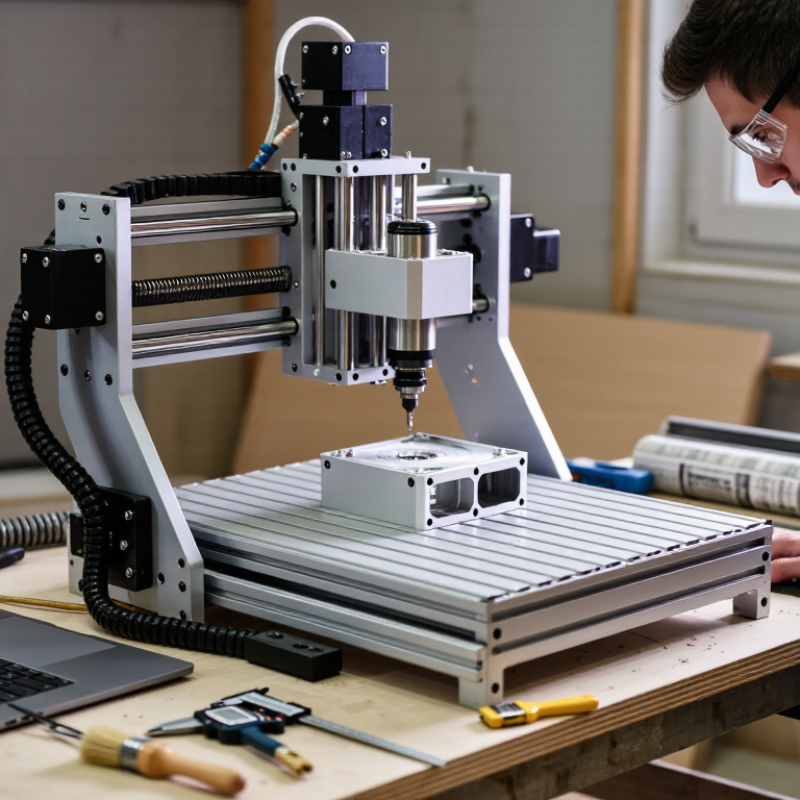
How to Choose a Desktop CNC Machine in 2026?
Define Workpiece Needs: Size, Materials, Tolerance, and 3-Axis vs. 4-Axis
Start with the largest part you will actually make, not the largest part you imagine. Measure its length, width, height, and clamping space. A 300 mm bed may not support a 250 mm plate safely. Leave room for fixtures, tool movement, and dust removal. My first estimate ignored clamps. The material would not sit flat.
Material choice changes the machine requirements. Wood and plastics usually need less cutting force. Aluminum demands better rigidity, sharper tools, and controlled cutting speeds. Steel requires careful verification because many desktop machines lack sufficient stiffness. Check spindle power, frame construction, maximum tool diameter, and supported feeds. Manufacturer specifications matter, but test results matter more. Ask for sample cuts in your target material.
Tolerance needs practical definition. If a hole must measure 10.00 mm, decide whether 0.05 mm variation is acceptable. Repeatability, backlash, thermal movement, and workholding can affect that result. Use a test coupon before buying. Measure it with calibrated tools. Do not trust a single successful cut. A three-axis machine suits flat parts, pockets, and basic 3D shapes. A four-axis machine rotates the workpiece, helping with shafts, curved surfaces, and multiple faces. It also adds setup complexity. That trade-off is easy to underestimate. Choose the extra axis only when it removes repeated repositioning or improves access.
When choosing a desktop CNC machine in 2026, treat accuracy claims as testable evidence, not advertising language. ISO 230-1 provides procedures for checking geometric accuracy under no-load or quasi-static conditions. It does not automatically prove every finished part will hold ±0.05 mm.
Ask for the test setup. Check the measuring instrument, machine temperature, axis travel, spindle condition, and fixturing method. A dial indicator can reveal visible deviation, but it may not expose thermal drift or backlash. Better evidence includes a documented test report, traceable calibration, and repeated measurements at different table positions. Small details matter.
Be careful with the ±0.05 mm target. It means a possible dimensional variation of 0.10 mm across the tolerance range, unless the supplier defines it differently. Material, cutter runout, workholding, feed rate, and tool deflection can quickly exceed that limit. A machine may pass a geometric check and still produce an inaccurate pocket. I would cut a test grid in the intended material, measure it with a calibrated micrometer, and repeat it after warm-up. Keep the results. Not every test goes perfectly, and that is useful information. A slight mismatch between the brochure and your workshop may reveal more than a polished sample part.
A desktop CNC machine should match the cutting load, not just the advertised power. A 0.5 kW spindle suits plastics, wood, engraving, and light aluminum passes. It demands conservative depth and steady feed control. For harder aluminum or frequent production, 1.5 kW provides more torque and thermal headroom. A 2.2 kW spindle handles heavier cuts, but the frame must resist vibration. Power alone is not strength.
At 10,000–14,000 RPM, larger cutters can remove material without excessive heat. Smaller tools often need 18,000–24,000 RPM for clean edges. Yet high speed can melt plastic or polish aluminum instead of cutting it. Check the tool maker’s recommended surface speed, then adjust feed rate and chip load. A 6 mm cutter at 12,000 RPM behaves differently from a 3 mm cutter at 24,000 RPM. I have seen beginners blame the spindle after using a dull tool and shallow feed. The machine was not always the problem.
Before buying, inspect rigidity, collet quality, cooling, and electrical control. Test whether the gantry flexes under firm hand pressure. It should not. Match the spindle to your actual materials and cutter diameters. Leave some capacity for future work, but avoid paying for unused power. My own early choice was oversized, noisy, and inefficient. That mistake still influences how I compare machines.
A rigid desktop CNC machine should feel solid before it ever cuts material. Check the frame, gantry joints, spindle mount, and linear guides for unwanted movement. Push the gantry gently. Any visible flex deserves attention. During a test cut, listen for chatter and inspect the finished edge. A heavy frame helps, but poor assembly can still reduce accuracy. I still treat a clean specification sheet with caution.
Travel dimensions need practical measurement, not only advertised numbers. Confirm usable X, Y, and Z travel after installing clamps, a vise, and the dust shoe. Leave room for tool changes. A machine may fit your workpiece but restrict safe access around it. Measure twice.
Dust control affects accuracy, health, and maintenance. Look for a sealed cutting area, effective extraction, and a dust shoe that follows Z movement. Fine dust can enter guides, cooling openings, and electrical enclosures. Check how filters are replaced and whether hoses obstruct movement. Safety deserves equal weight. IEC 60204-1 covers important machine electrical provisions, including protective bonding, emergency-stop functions, control circuits, and overcurrent protection. Ask for wiring diagrams, inspection records, and conformity documentation. Test emergency stopping and restart prevention yourself, where safely permitted. Documentation can be incomplete. Reflect on that before purchase.
A desktop CNC machine should be judged by completed parts, not its purchase price. Build a 2026 cost sheet from real shop records. Include tooling, workholding, software, maintenance, electricity, training, and rejected parts. One small shop logged a $4,800 machine, $620 in initial tooling, and $95 in monthly maintenance. Its first-month cost was higher than expected.
Measure cycle time at the machine. Record setup, cutting, tool changes, inspection, and cleanup separately. A sample aluminum bracket took 14 minutes to cut but 31 minutes from fixture loading to approval. That difference matters. If your operator earns $28 per hour, the hidden labor cost reaches about $14 per part. Small errors accumulate quickly.
Payback calculations should use finished, saleable output. Suppose the machine produces 35 approved parts weekly, with $18 contribution per part. Monthly contribution is roughly $2,520 before fixed costs. After subtracting $410 in labor, tooling, and maintenance, the remaining $2,110 gives a payback near three months on a $6,300 investment. That estimate may be too optimistic. Our first worksheet ignored programming time and weekend downtime. Recheck it.
Use at least eight weeks of production data before committing. Compare repeatability, operator involvement, and actual spindle availability. A cheaper machine may lose its advantage when every job needs manual adjustment. A faster machine may disappoint if inspection creates a bottleneck. Practical evidence beats showroom specifications.